

Application Description
Crop, lasso, and overlay photos with this handy manual tool
An easy-to-use image editor designed for cropping and overlaying photos. Streamlined tools—nothing unnecessary!
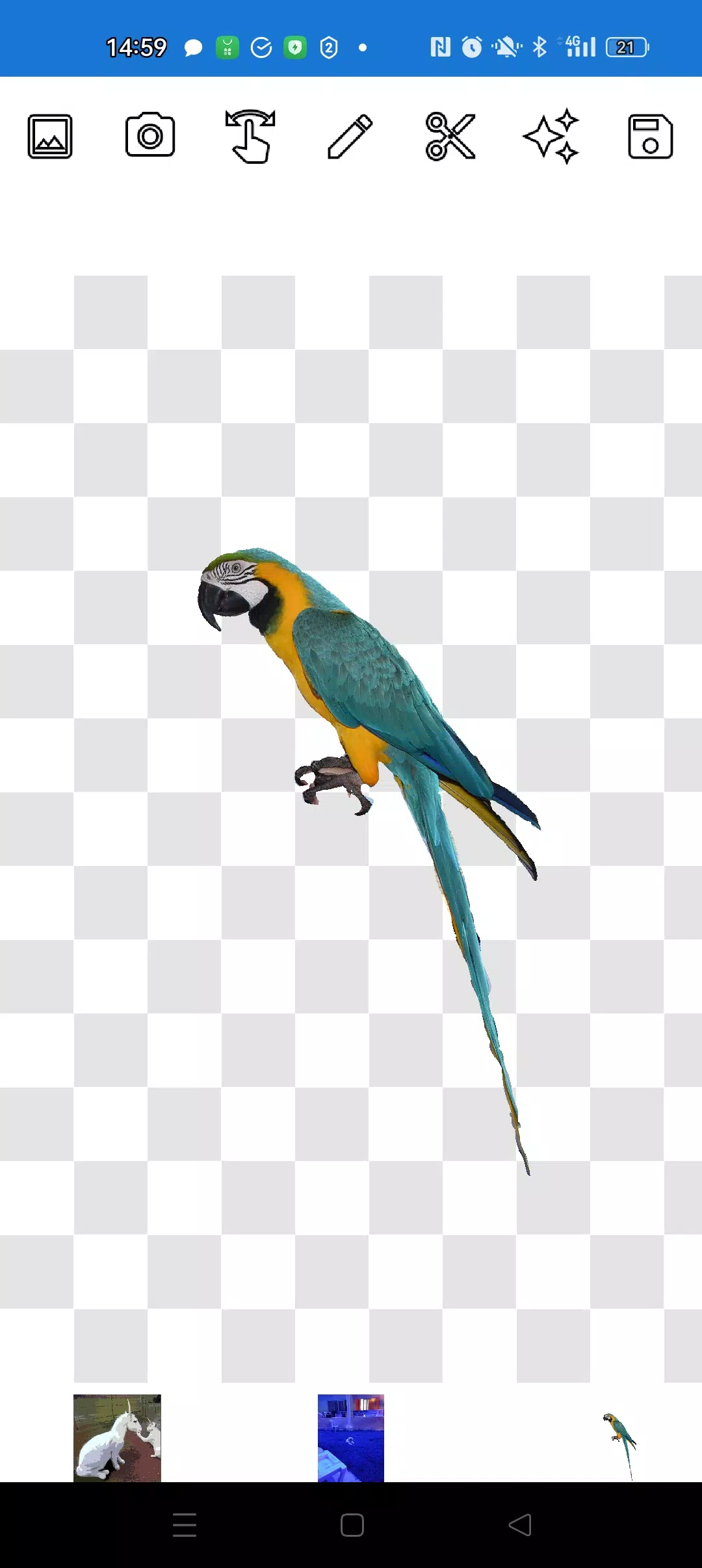
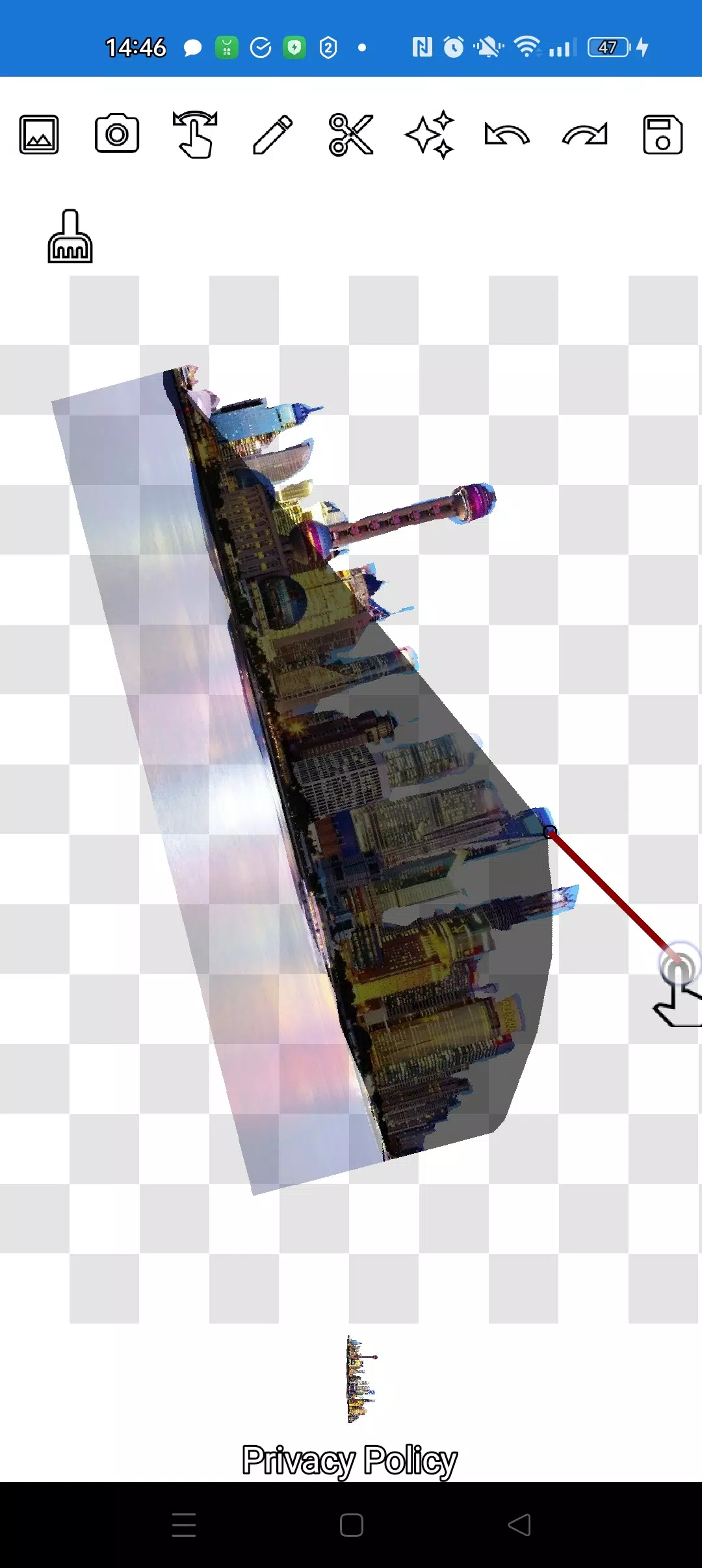
Cut out any object from a photo and overlay it onto another image.
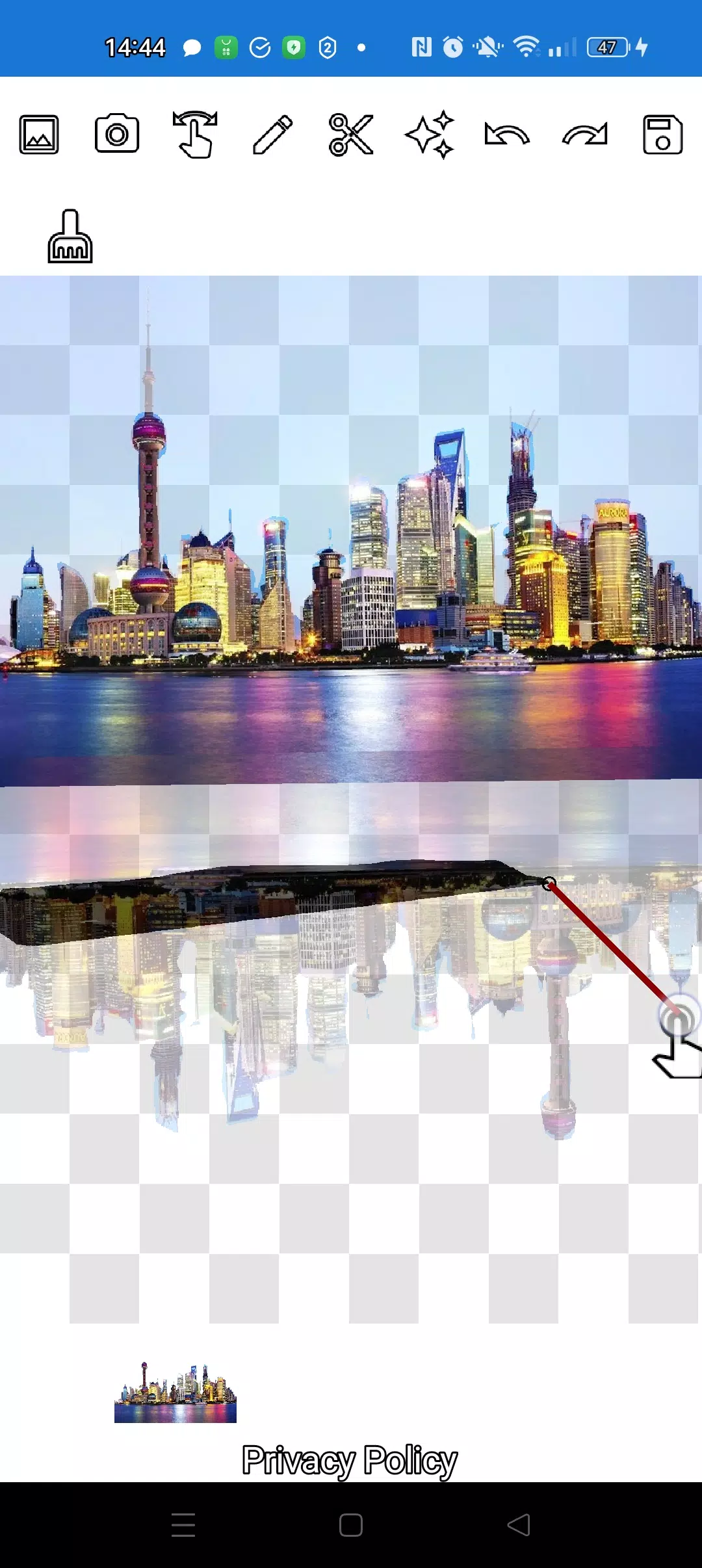
Trace and remove any object, no matter how small, with two intuitive tools: the pencil ✏️ and the lasso.
Draw with the pencil and switch to eraser mode by adjusting transparency. Customize the pencil width and edge details by fine-tuning opacity.
Tap the "magic" tool near the save button to blend objects seamlessly into the background.
Zoom in closely with the finger manipulation mode to carefully trace complex outlines using the pencil or lasso.
Build intricate compositions and photo collages in just minutes!
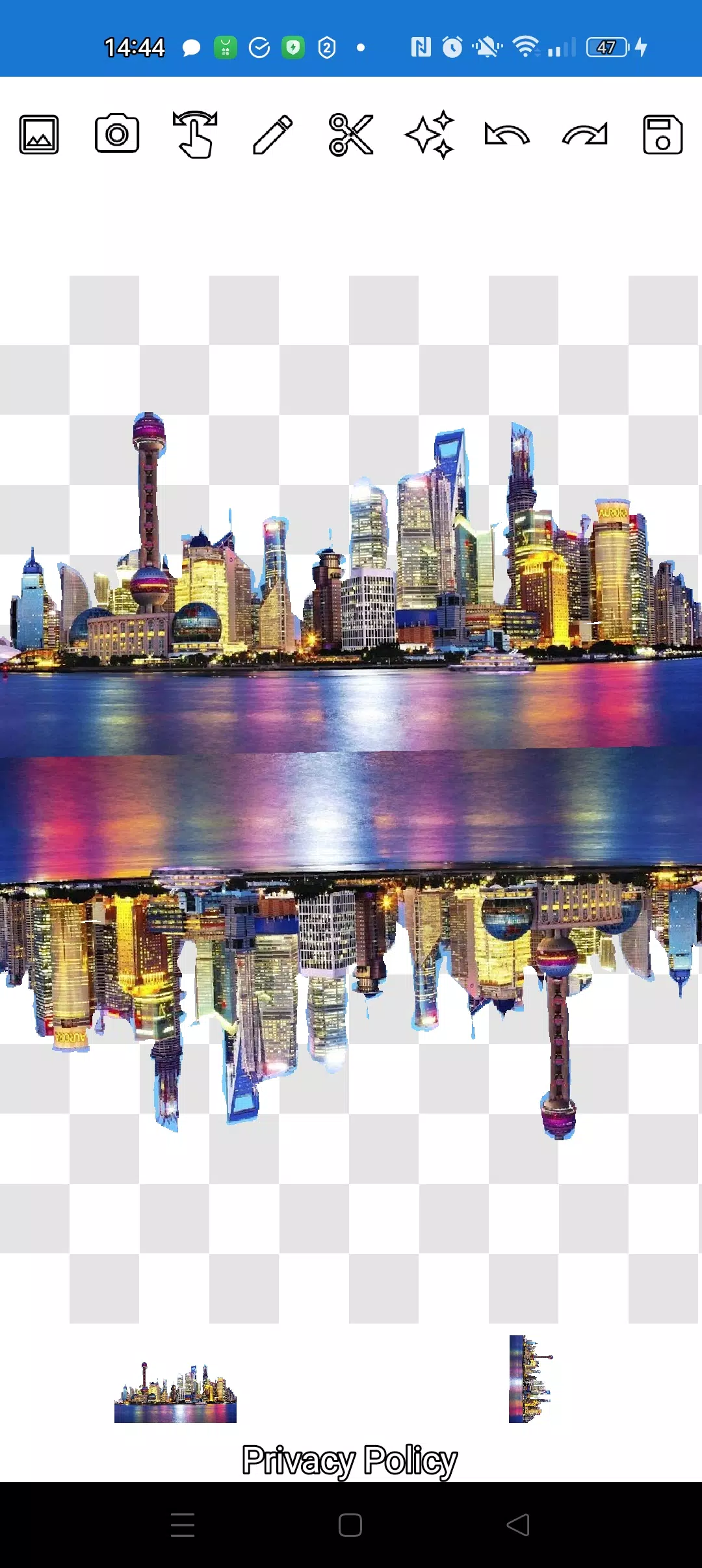
Stack as many objects as you like. Select multiple photos from the gallery, cut out the ones you want, and place one as the background. Arrange them attractively, then save your creation. Tip: start by choosing an overlay image to cut out, then pick a background—the overlay won't disappear. Just tap the overlay layer below to bring it forward.
To remove an unwanted image, swipe it almost off the screen and it will be deleted.
Save your work by cropping the desired area. In crop mode, mark a rectangle, tap the checkmark, and the photo saves to your gallery.
Layers are listed at the bottom. Tap a layer to move it above others. Managing layer order is quick and intuitive!
The only learning curve is switching between manipulation, pencil/eraser, and lasso modes. After a quick practice, it becomes second nature!
Impress your friends on social media and messengers with creative images. Create memes, jokes, and fakes! This app is a versatile tool for both fun and professional use—perfect for memes, websites, logos, or banners when you're short on time.
Use it anywhere—café, subway, or plane—no internet required!
Simple technology from Pimur.
Thanks for reading! We'd love to hear your thoughts—please leave feedback below. It means a lot to us!)
What's New in the Latest Version 4.5
Last updated on Sep 17, 2024
Minor bug fixes and performance improvements. Install or update to the latest version to experience the enhancements!
Cut and move pictures Screenshots
Reviews
Post Comments
Trending Games
Trending apps










Topics
More
Explore the World of Casino Games
Personalize Your Android: Top Apps for Customization
Unique Wallpaper Apps for Every Style
Exciting Action Packed Games for Android
Top Travel Planning Applications
Top Productivity Apps to Streamline Your Workflow
Personalize Your Android Experience with These Apps
Explore the World of Casino Adventure Games
Latest Articles
More
Baldur's Gate 3 Is Still Winning Over Players
Oct 07,2026
The Lenovo Legion 7 RTX 5060 Gaming Laptop Boasts an Aluminum Chassis and OLED Display for $1235
Oct 06,2026
Epic Games's Free Title This Week: Gigapocalypse
Oct 06,2026
Save Big on Ninja Gaiden 4 at Walmart
Oct 04,2026
Kaiju No. 8 The Game kicks off the New Year with a new five-star character and story chapter
Oct 04,2026
Switch 2 Review | Good? Bad? Worth It?
Oct 01,2026