

Application Description
Master diverse terrain and events in the ultimate motocross gaming experience.
We recommend 4 GB of RAM or more for optimal game performance.
Rev up your engines and dominate the competition in the premier motocross racing title, SMX Supermoto Vs. Motocross! Featuring multiple event types including Motocross, Supermoto, Freestyle, and Endurocross, you can showcase your riding prowess across a variety of landscapes, from slick mud tracks to seamless asphalt.
Please note that this game is currently in active development. Some features may not function perfectly, and you may encounter unfinished or prototype elements. The game will receive ongoing updates with new features and refinements to continuously improve your racing adventure.
FAQs:
Screenshots captured using "Photo Mode" are saved directly to your phone's gallery.
User-created content (mods) should be placed in this folder: /android/data/com.evag.smx/files/mods
Levels created in the Track Editor are stored here:
/android/data/com.evag.smx/files/TrackEditor
To back up your game progress, save the file "user1.save" located at:
/android/data/com.evag.smx/files/user1.save
I'm stuck at the screen "Initializing ads services": This may be due to a weak internet connection, Unity Ads server issues, or your device blocking the ads servers. Check your connection and relaunch the game.
I downloaded content from the Mod Browser but it does not appear in the game or on the side menu: Press the refresh button to load all downloaded content. Check mod compatibility by viewing the label in the side menu list; incompatible mods will display "incompatible" next to their title.
People can't see me when they connect to my multiplayer room:
After creating a room, ensure you also join the game by navigating to the "cogwheel" icon, selecting Multiplayer, and then "Join game".
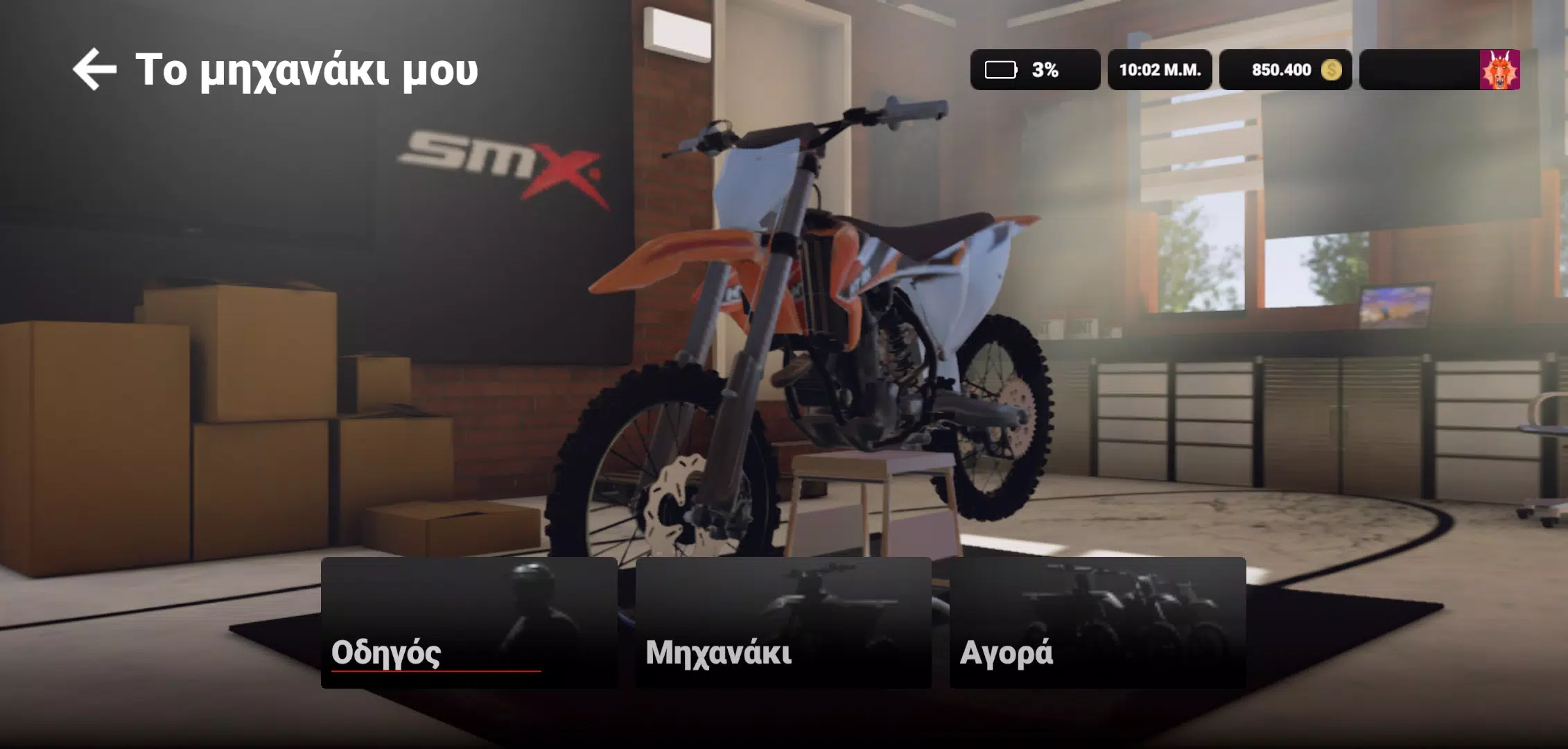
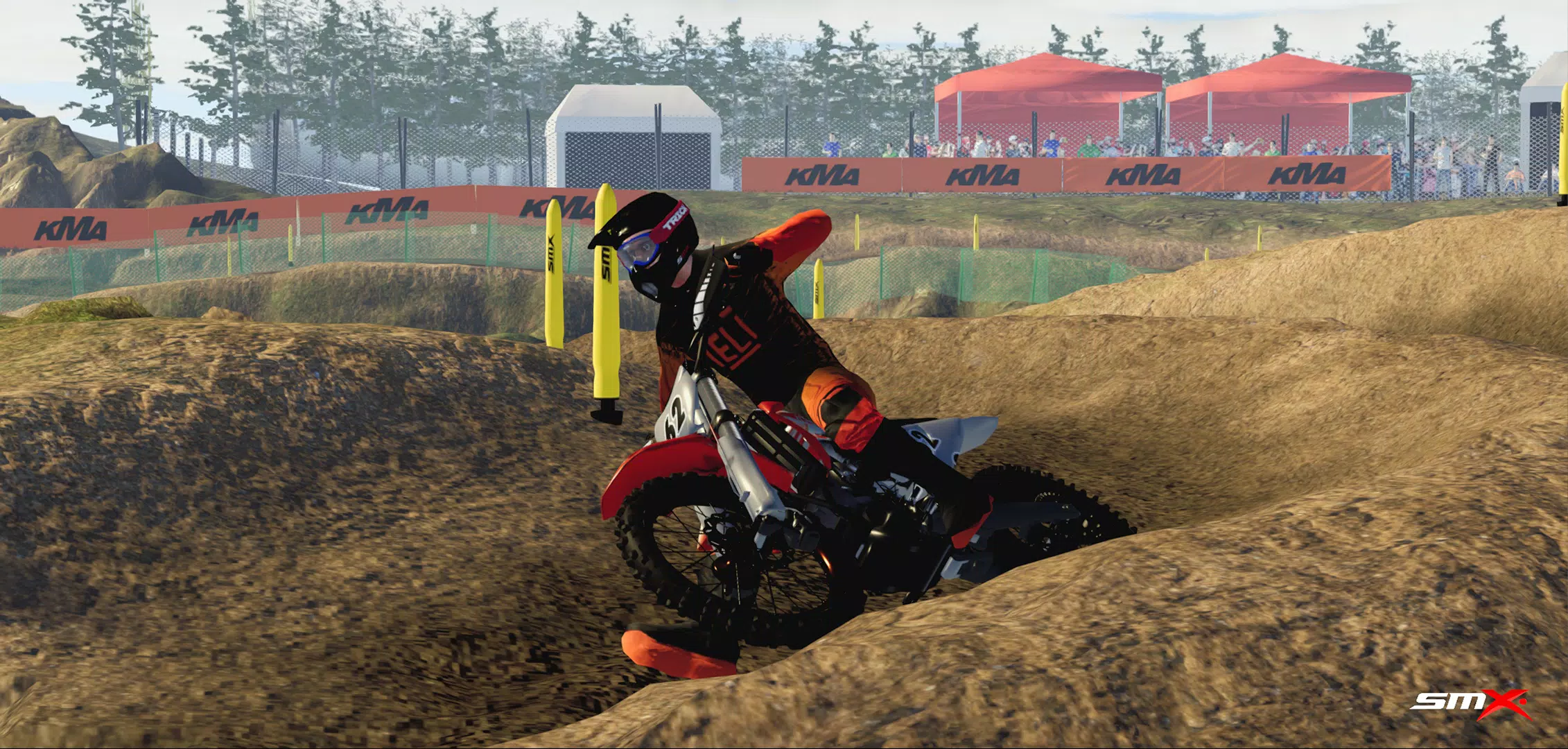
SMX Screenshots


Reviews
Post Comments
Trending Games
Trending apps






Latest Articles
More
Dawn Release Date, Time Officially Confirmed
Oct 20,2026
Raid: Shadow Legends celebrates 7th anniversary with Argonites faction and Festival of Creation
Oct 18,2026
Uno! Mobile welcomes Hello Kitty and friends to the wild world of card battling for Christmas
Oct 17,2026
Ragnarok X Next Generation – Element Guide
Oct 17,2026