
Application Description
Remove Video Background: Photo & Video BG Remover and Changer
The Remove Video Background app is a powerful tool designed for users who wish to easily remove backgrounds from both their videos and photos. This versatile application allows you to erase the background of your video clips or replace them with new visuals sourced directly from your camera roll or gallery. The app provides two primary modes: one for extracting subjects from images and another for transforming green screen footage into your preferred backdrop.
As a free video background changer, this Remove Video Background tool comes packed with exciting features, including the ability to swap out backgrounds using solid colors or gradients. With thousands of color options available, you can effortlessly select your favorite hue or gradient pattern and apply it as the new background for any camera recording.
Beyond simple color replacements, the app enables you to overlay images or even other video clips onto your existing footage with just a single tap. This seamless one-click functionality makes changing backgrounds quick and effortless, enhancing your creative workflow without complexity.
The green screen feature supports both front-facing (selfie) and rear cameras, allowing for flexible switching between modes with a single tap. Whether you are recording a selfie video or using the back camera, you can apply dynamic background changes to suit your content style.
Green screens have become popular among creators looking to add polish and fun to their videos. But what exactly is a green screen? It refers to a filtering technique that provides various backdrop options for social media creations. Resembling the iconic effects seen in superhero movies—where actors perform against plain backgrounds—the tool has gained immense success online. Now, it’s your turn to master this effect and elevate your video production skills.
Features:
- Effortlessly remove image backgrounds using either automatic detection or manual adjustment tools.
- Trim your video clips precisely before initiating the background removal process for cleaner results.
- Remove backgrounds from live camera feeds or existing videos stored in your gallery with ease.
- Transform green screen footage by replacing it with any background of your choice, giving you full creative control.
How to Use:
- Launch the Remove Video Background application on your device.
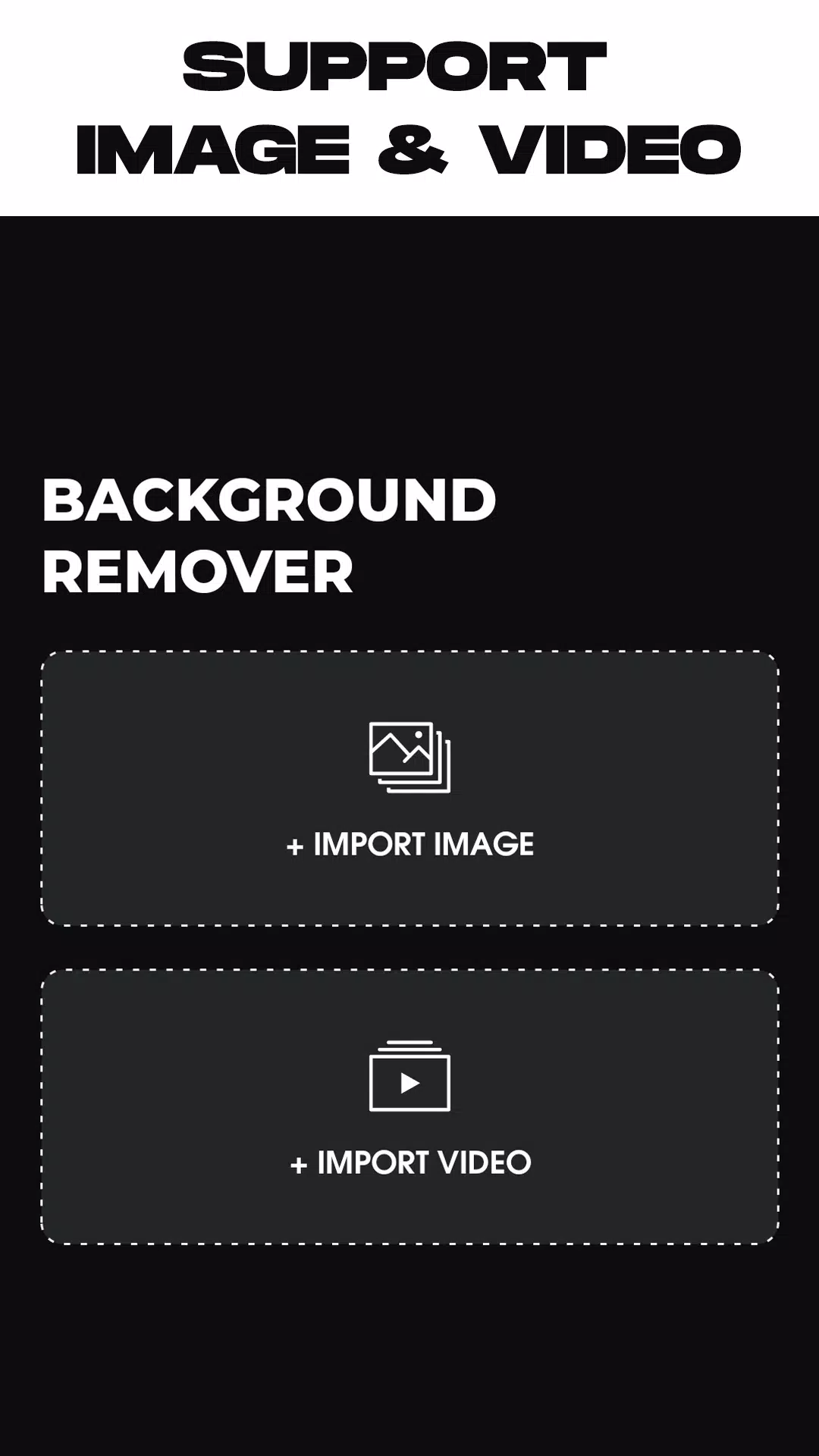
- Select between two main options: choose the first for removing photo backgrounds and the second for video background removal.
- Once you select your media file, the app will automatically process and remove the existing background. Simply wait for the operation to complete.
- After processing, customize your result by selecting a new background from the in-app library or uploading an image/video directly from your gallery. You have full freedom of choice.
- When satisfied with your edits, tap the export button to save your newly edited video or photo directly back to your device's gallery.
What's New in Version 1.5.4
Last updated on May 26, 2024
- Resolved minor bugs for improved stability and performance.
Remove Background From Video Screenshots



Reviews
Post Comments
Trending Games
Trending apps










Topics
More
Latest Articles
More