
Application Description
The ultimate tool for assessing eyebrow symmetry design.
Specifically created for microblading and permanent makeup artists.
This app operates through six straightforward steps:
Step 1: Launch the application
Simply tap the BeautyPro Symmetry App International icon on your device's screen to begin.
Step 2: Align the client's face
Hold your phone horizontally and frame the face using the guides: position the horizontal lines along the eyebrow arches (point 2), and align the vertical centerline with the marked nose bridge center.
Step 3: Capture the image
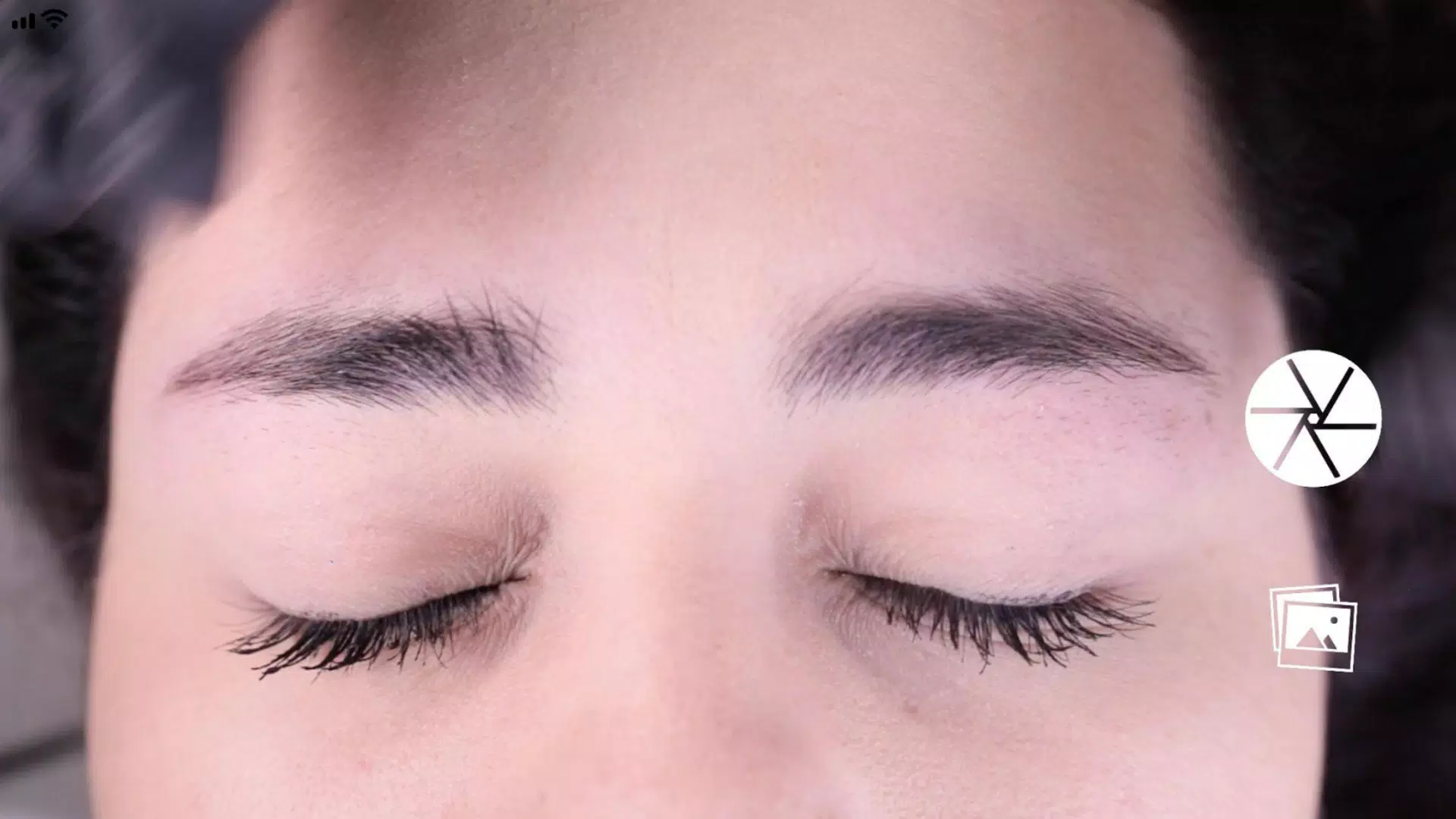
Center the face perfectly and press the capture button located on the right side of the screen.
Step 4: Activate the grid
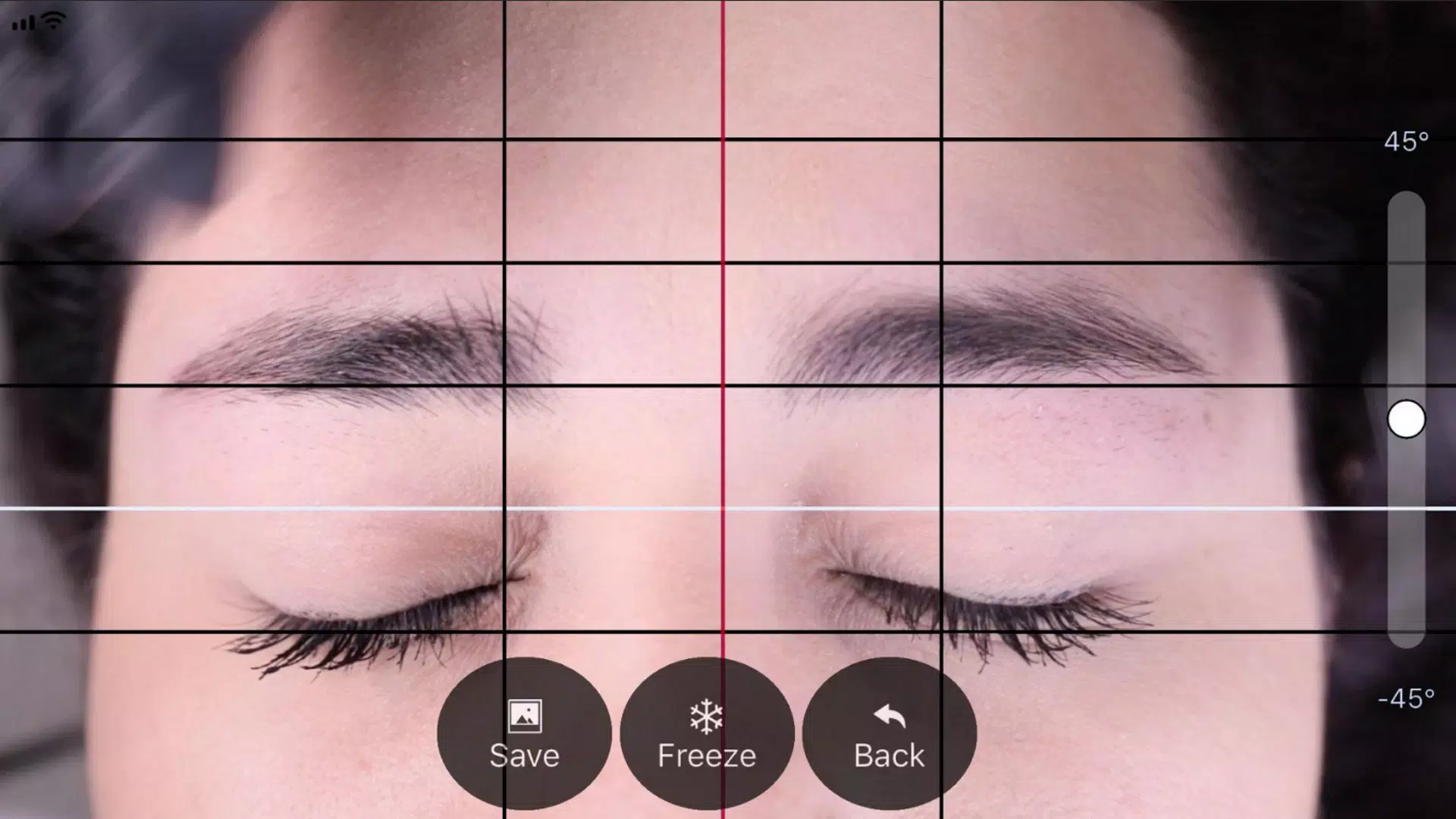
After capturing, you'll see your image with measurement guides - four black horizontal lines and one white line. Activate the "Grid" function to lock these guides in place.
Step 5: Position vertical guides
Adjust the vertical grid lines: position the central red line on the nose bridge centerline, then use the black side lines to determine eyebrow spacing.
Step 6: Fine-tune the image
Make final adjustments by rotating the image using the right-side level control, or pinch-to-zoom for magnification.
Step 7: Save or retake
When satisfied with the alignment, press "SAVE" to store in your device gallery, or "BACK" to recapture the image.
BeautyPro Symmetry App Interna Screenshots
Reviews
Post Comments
Trending Games
Trending apps










Topics
More
Best Tools for Home Improvement Projects
Popular Hypercasual Games Online
Top Apps for Editing and Playing Media on Android
Exciting Casino Table Games for Android
Top Offline Adventure Games for Solo Play
Fun Educational Games to Learn and Play
Top Card Games to Play Online
Lifestyle Management Apps for Modern Living
Latest Articles
More