
Application Description
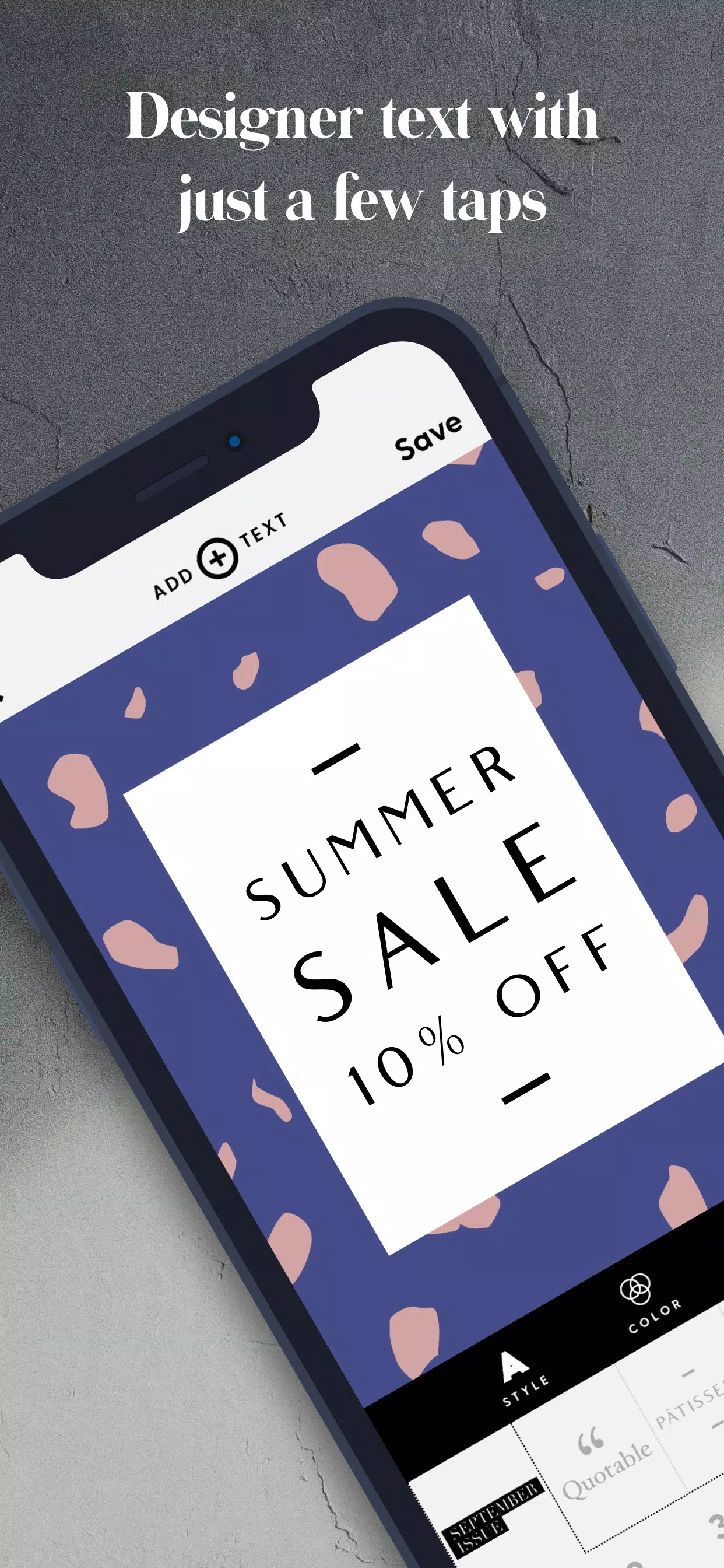
Word Swag effortlessly transforms your words into stunning photo text designs.
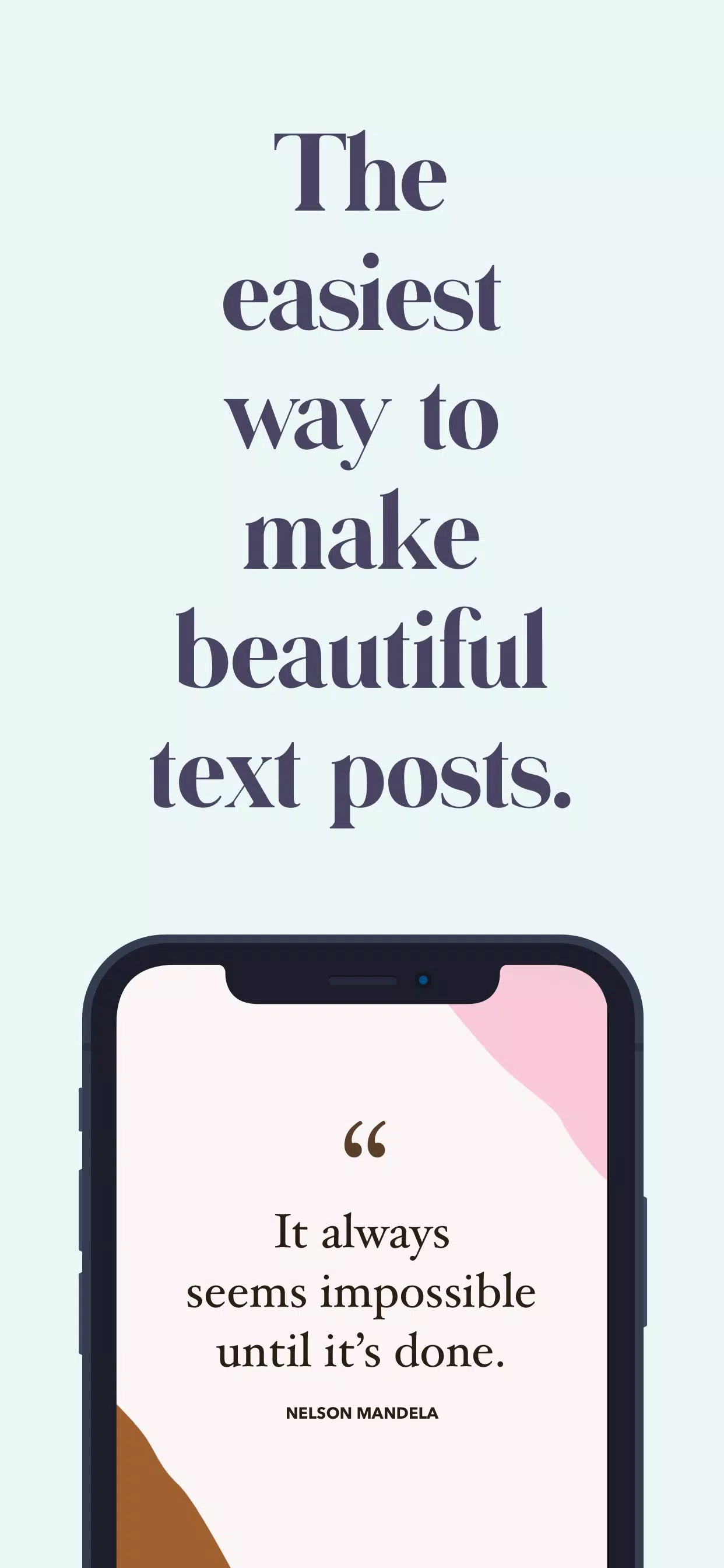
This premium text-on-photo app lets you add text to images and craft unique photo quotes, cover pages, posters, and word art. That's the core of this professional photo text application.
Word Swag is a powerful yet simple photo text editor for Android. It enables you to easily add text to photos and write on images. With this free typography app, you can place text on a transparent background or directly onto a photo, choosing from numerous fonts, colors, and styles.
√ Get Word Swag Now! If you want an easy way to write on photos and add text to pictures without complex editing tools, we can help. Download this free typography app on your Android device and enjoy creating amazing photo quotes and word art.
You can change text color and opacity, fine-tune images, perform basic photo edits, find inspiration in the quotes and images library, and much more.
► Word Swag: An advanced text-on-photo editor for adding words to pictures
Word Swag, the free typography app for adding text to photos, features a clean, intuitive design. Its user-friendly interface makes it easy to explore the wide selection of fonts and customization options. This premium photo text editor lets you add text to transparent backgrounds, export high-resolution word art, include your own logo, and more.
Here’s what you can expect from this advanced typography app for adding text and words to pictures:
◆ Choose your favorite style: This free text-on-photo editor offers countless unique text styles for images, solid colors, or transparent backgrounds. Whatever type of photo quote or word art you want to create, we have a fully customizable style for you.
◆ Advanced photo text editor: Beyond customizing text style, size, and color, you can also edit background images. Adjust brightness, contrast, hue, and saturation, and perform basic edits like resizing, cropping, and rotating.
◆ Rich text and photo library: Need inspiration for a photo quote or social media post? This free photo text editor includes a vast library of quotes and background images. The wide variety of text and image templates ensures you always find fresh ideas for any occasion.
WHAT ELSE? There's so much more to discover in Word Swag, from extensive photo text editing tools to endless customization options. Since all features are free, why not try it and explore everything yourself? Download Word Swag today!
★ Key features of Word Swag at a glance:
• Clean, modern design with a fresh, intuitive interface
• Advanced text-on-photo editor for adding words to pictures
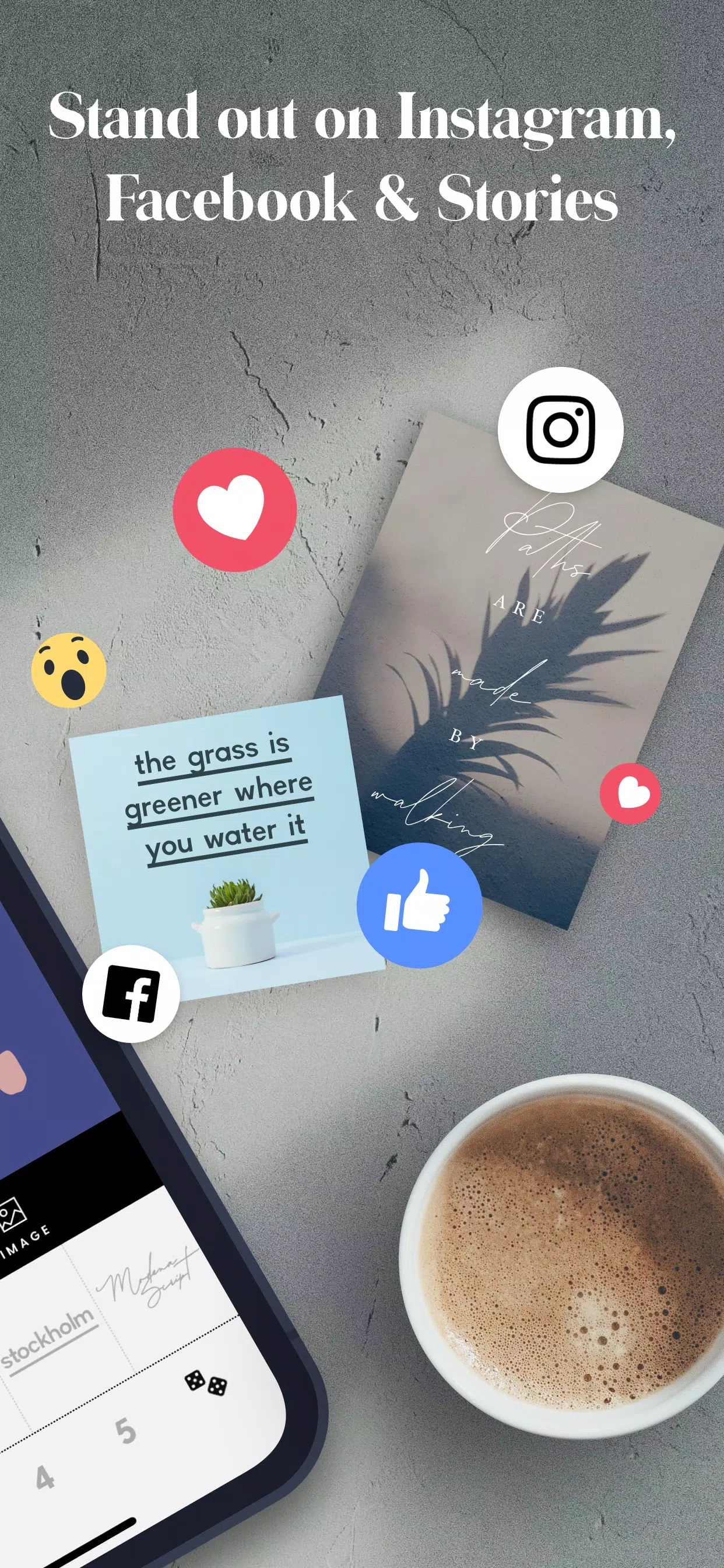
• Create unique photo quotes, posters, flyers, cover photos, social posts, and word art
• Add text to photos, solid colors, or transparent backgrounds
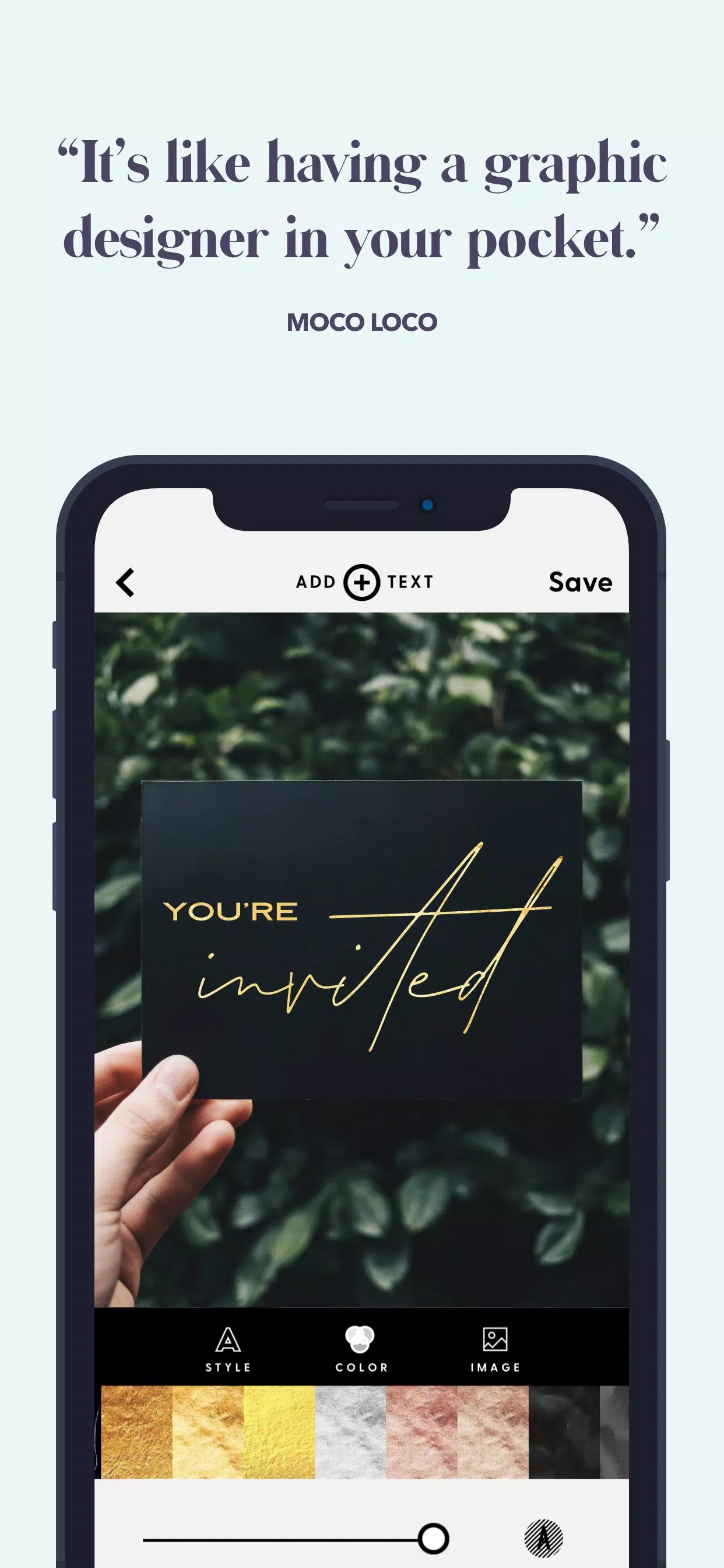
• Apply texture colors, change text color, or adjust text opacity
• Use multiple font styles to create fantastic photo quotes and word art
• Add words to pictures with endless customization options
• Share high-resolution word art
• Free typography and photo text app for Android
Overall, this text-on-photo editor provides the best experience for writing on images and adding words to pictures. Simply add an image, pick a style, add custom text or choose from available quotes, make your adjustments, and save your word art.
Download Word Swag for free on your Android phone or tablet and start adding text to photos today. We welcome your feedback. Please report any bugs, questions, feature requests, or suggestions to [email protected]. Thank you!
What's New in the Latest Version 1.74
Last updated on Nov 8, 2024
Update 1.74 is here! This version includes the following changes and improvements:
1. Minor UI/UX updates.
2. Performance enhancements.
We're human, and errors can happen. If you encounter any bugs or crashes, please let us know at [email protected].
We deeply appreciate your continued love and support!
Word Swag Screenshots
Reviews
Post Comments
Trending Games
Trending apps










Latest Articles
More