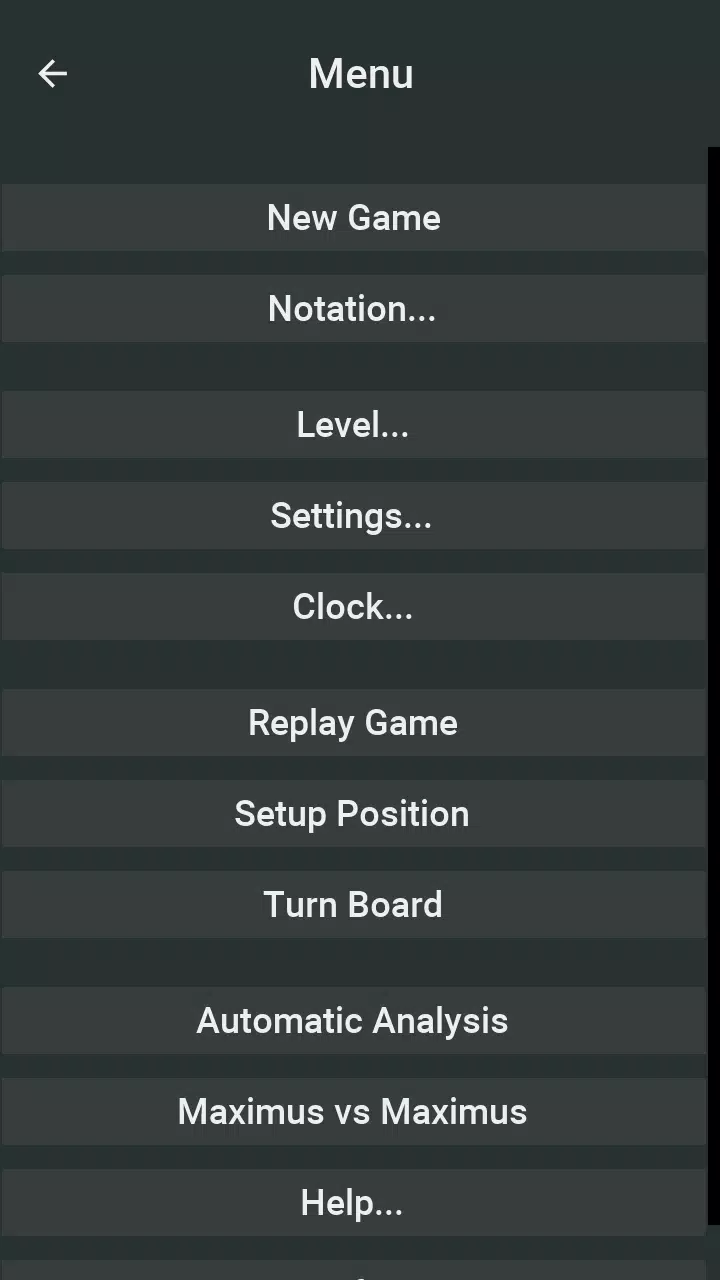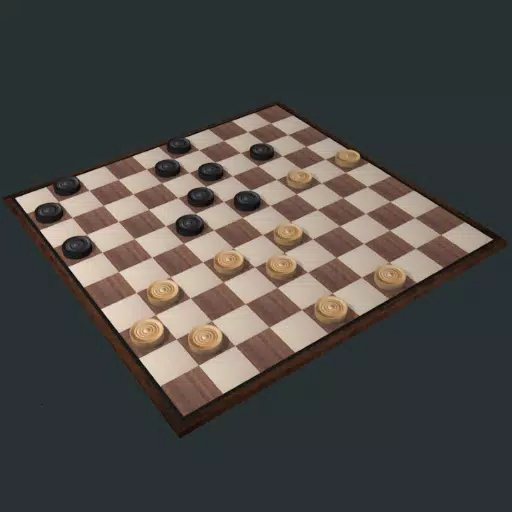
Максимус: лучшее приложение для международных шашек (доска 10x10)! Наслаждайтесь беспрецедентными международными шашками (или 10x10 Checkers) игровыми опытами на своем планшете и смартфоне. Maximus, чемпион Computer Checkers Computer Checkers 2011 года 2011 года, теперь доступен на iPad, iPhone и iPod Touch. В 2012 году Максимус сыграл игру с бывшим чемпионом мира по проверке Александра Шварцмана, но проиграл в небольшом недостатке (проигрыш в пяти ничьях). Недавно Максим принял участие в чемпионате мира по компьютерным шашкам 2019 года (неофициальный) чемпионата по компьютерным шашкам и занял третье место. В то время Максим работал на настольных компьютерах, и, конечно, он был более мощным, чем мобильные устройства. Несмотря на это, вы найдете Maximus сильным соперником на своем планшете или смартфоне!
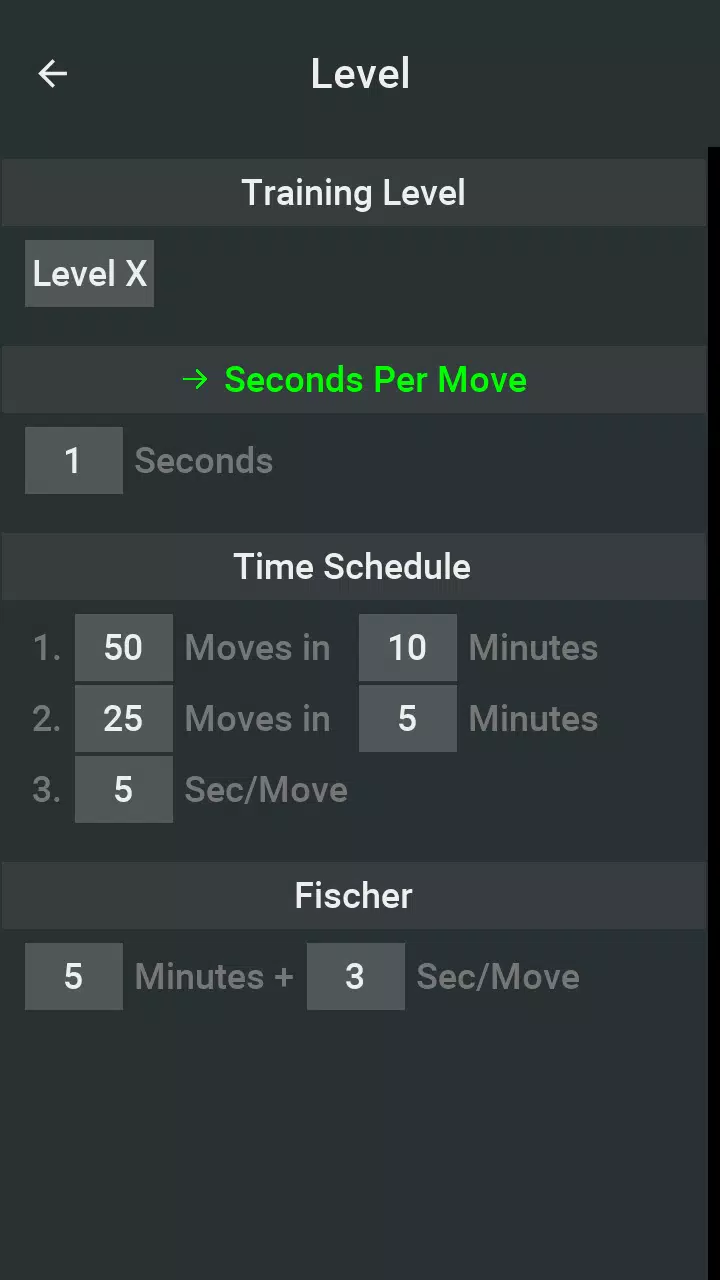
Вам не нужно быть опытным игроком, чтобы насладиться максимусом, потому что он составляет множество сложностей. Начиная с уровня изучения правил игры, Максимус всегда играет в шахматы случайным образом на этом уровне. Затем вы можете попробовать десять учебных уровней, от начинающего до экспертного уровня, прежде чем начнете дать Максимуму больше времени, чтобы думать. Улучшите свои шахматные навыки, анализируя свою игру с максимусом и обучаясь на своих ошибках. Вы также можете использовать программу в качестве костюма для пешеходного путешествия или нотации шашки или даже использовать ее в матче за шашки, если вам не хватает игрока!
Функция:
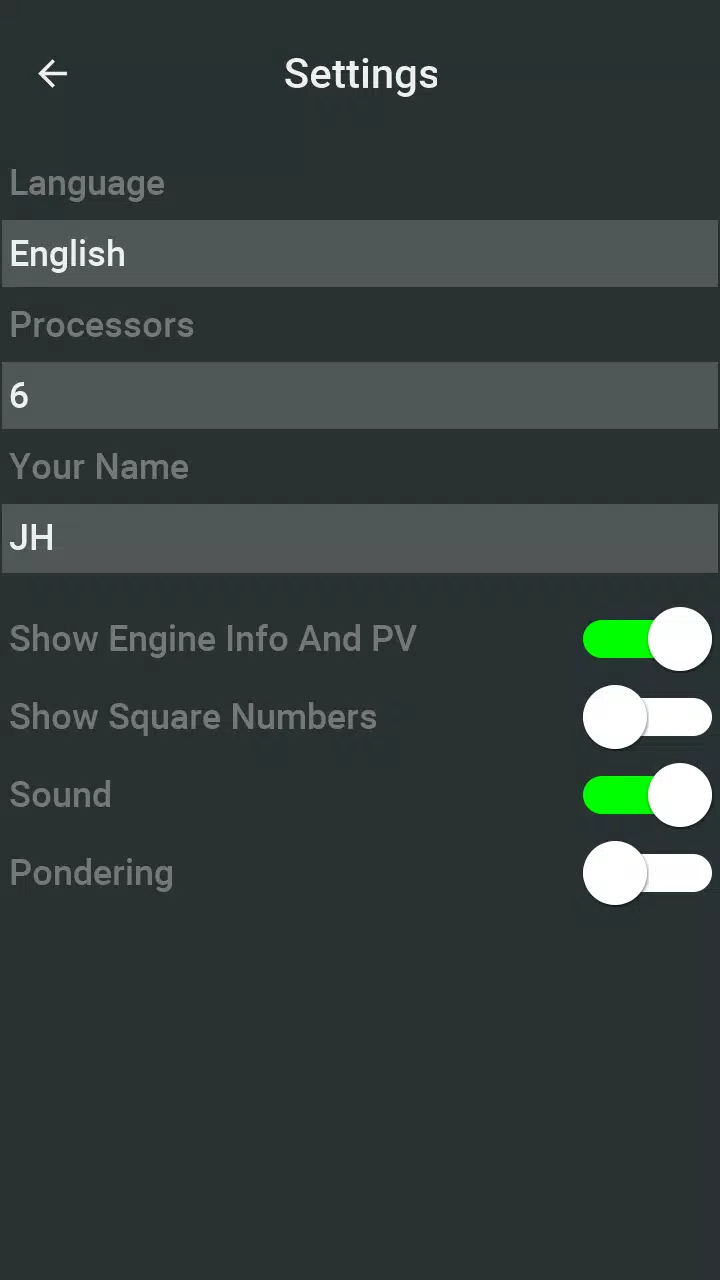
- Поддерживает 8 языков (китайский, голландский, английский, французский, немецкий, португальский, русский, испанский)
- Мощный двигатель с 4 игровыми режимами: 1) Правила игры + 10 обучения;
- Поддерживает многоядерные процессоры
- Варианты мышления (думают в то время, когда думает противник)
- Игрок против Максимуса, игрока против игрока против Maximus Mode
- Интуитивно понятный интерфейс, используя перетаскивание и нажимайте вход в ход для шахмат
- Поддержка ввода шахмат, шахматные подсказки и функции справки
- Отменить и ремейк шахмат;
- Повторите и проанализируйте свою игру позже
- Сохранить, загрузить, отправлять электронные письма и импортировать игры и шахматные игры в формате нотации Portable Checkers (PDN)
- Случайно выбранные шахматы стартера предлагают различные изменения в игре
- Дисплей Шэеккеры Таймер, номер сетки (необязательно), а также информация о двигателе и основные вариации (необязательно)
- Другие параметры: вращайте плату, установите шахматную игру и автоматически воспроизводите
- Ключевые различия от версий ПК (недоступны): меньшая библиотека запуска, меньшая база данных о конечном имере
- Нет рекламы
Ссылка: база данных Maximus Match, результаты и игры
http://toernooibase.kndb.nl/opvraag/uitslagenspeler.php?taal=1&nr=11535
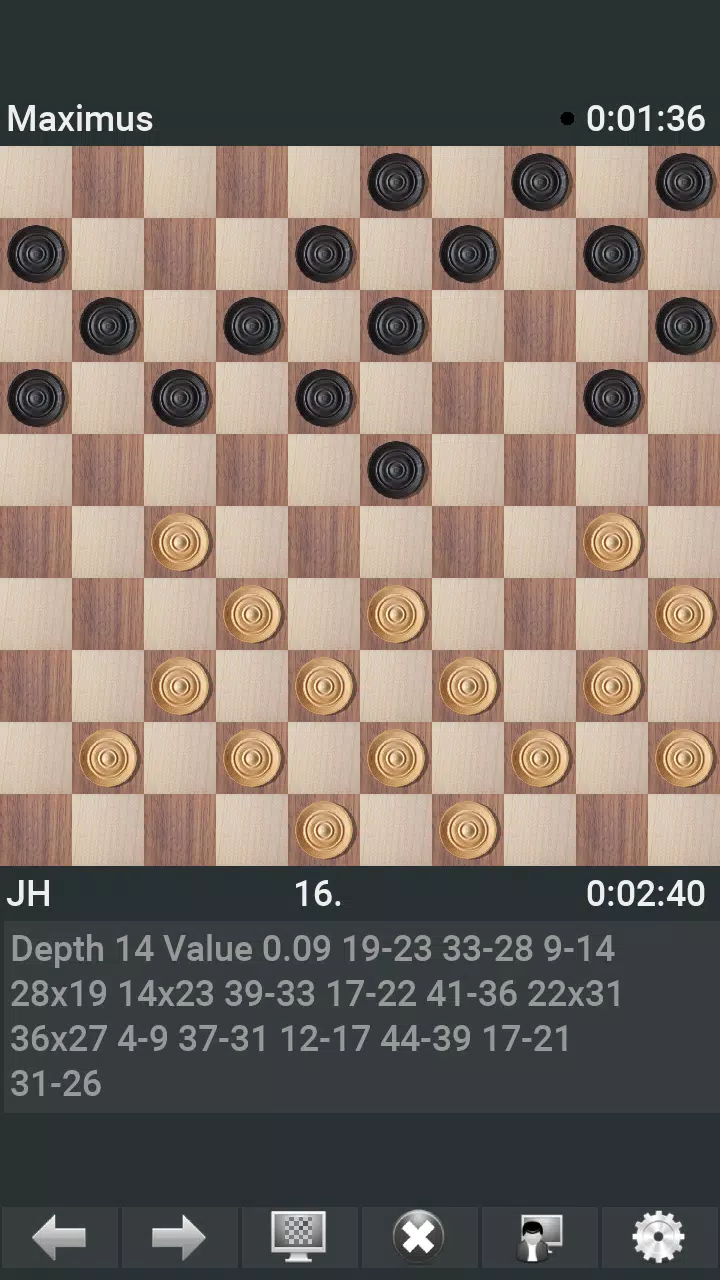
Maximus Draughts скриншотов
Публикация комментариев
-
1、Ставка
-
2、Комментарий
-
3、Имя
-
4、Электронная почта
It seems you're referring to Machi EOS (Machi, often associated with the "Machi" character from the anime Machi Doru or other media), and you're asking about an "Offline Version" to Stay — possibly meaning you want to use Machi EOS (or a related software/character) without an internet connection, or you're looking for a way to keep it running locally.
However, there are a few clarifications needed because "Machi EOS" isn't a widely known software or application. Here are a few possibilities based on common interpretations:
🔍 1. Machi EOS – AI Character / Chatbot?
If you're referring to an AI chatbot named Machi EOS (e.g., a character from a fan-made AI project, anime-inspired bot, or a custom chatbot on platforms like Character.AI, KoboldAI, or NovelAI), then:
✅ You can run it offline using:
Local LLMs (Large Language Models) like Llama 3, Mistral, or Phi-3.
Tools like:
Oobabooga's Text Generation Web UI (supports offline local models)
LM Studio (user-friendly, runs on Windows/Mac, supports local models)
GPTQ / GGUF models (optimized for CPU/GPU, perfect for offline use)
🔹 Steps to Run Machi EOS Offline:
Download a compatible AI model (e.g., Machi_EOS-GGUF if available).
Use LM Studio or Oobabooga to load the model.
Load a character card (e.g., JSON file defining Machi's personality, voice, and dialogue style).
Run it locally — no internet required after setup.
✅ Pro tip: Look for community-made character files on platforms like Hugging Face or Reddit’s r/LocalLLaMA for pre-configured Machi-style bots.
🔍 2. Machi Doru (Machi to Doru) – Anime/Anime-Style Character
If you're referring to the anime "Machi Doru" (Machi to Doru), which features a character named Machi, and you want to stay with her "offline" (e.g., in a game, app, or mod):
You can:
Use her as a custom avatar in an offline game (e.g., Minecraft with custom skins, Roblox with local scripts).
Use her image/model in offline animation software (like Blender, Daz Studio, or Aseprite).
Create an offline chatbot or fan game using tools like Ren'Py (for visual novels).
🔍 3. Machi EOS – Misinterpretation of "EOS" (Blockchain)?
"EOS" is also a blockchain platform, but Machi EOS isn’t a known project in that space.
If you meant EOS (blockchain), then:
You can run an EOS node offline using tools like eosio with a local testnet.
But this is unrelated to "Machi" unless it's a custom project.
✅ Summary: How to "Stay Offline" with Machi EOS
Goal
Solution
Run Machi as an AI chatbot offline
Use LM Studio + GGUF model + character card
Use Machi in a game offline
Use her model/skin in a local game engine
Keep Machi character data offline
Save her profile, image, and script locally
No internet needed after setup
Yes — once model and config are loaded
🛠️ Recommended Tools for Offline Use:
LM Studio – Easy local AI chatbot (Windows/Mac)
Oobabooga – Advanced, customizable
Hugging Face – Search for "Machi" or "anime character" + "GGUF" model
NovelAI – Has offline mode (requires local storage)
💡 Final Note:
If you can clarify:
Is "Machi EOS" a specific AI bot, game, or character?
Do you have a link or model name?
Are you using Windows, Mac, or Linux?
👉 I can give you step-by-step instructions to run it completely offline and "stay" with Machi.
Let me know! 😊
As of now, there is no verified report of Dell Outlet offering an Alienware Aurora R16 with an RTX 5070 Ti for $1,575 — and for good reason.
Here’s why this claim is likely misinformation or a hoax:
1. RTX 5070 Ti Doesn’t Exist Yet
NVIDIA has not released any GPU named the RTX 5070 Ti.
The current generation of NVIDIA GPUs is the RTX 40 series (e.g., RTX 4070, 4080, 4090).
The RTX 50 series (expected to launch in 2025) has not been officially announced, so a "5070 Ti" is purely speculative.
2. Alienware Aurora R16 Is a Real Product — But Not with That GPU
The Alienware Aurora R16 is a real gaming desktop released in 2023–2024.
It typically comes with RTX 4060, 4070, 4080, or 4090 — not a non-existent 5070 Ti.
The R16 is built for the Intel 13th/14th Gen CPUs and DDR5, not future hardware.
3. Dell Outlet Pricing Is Real — But Not That Price for That Config
Dell Outlet does offer discounted Alienware systems, often with RTX 4070 or 4080.
A well-configured Aurora R16 with RTX 4070 might be priced around $1,500–$1,800, depending on CPU, RAM, and storage.
But $1,575 for a non-existent RTX 5070 Ti is not plausible.
✅ What You Should Do:
Check the official Dell Outlet website (https://www.dell.com/outlet) for real deals.
Look for real RTX 4070 or 4080 models in the Aurora R16.
Be cautious of social media posts, Reddit threads, or forums claiming "RTX 5070 Ti" deals — these are often scams or clickbait.
🔍 Bottom Line:
❌ No, Dell Outlet is not selling an Alienware Aurora R16 with an RTX 5070 Ti for $1,575.
✅ Yes, Dell Outlet does sell real Alienware R16 systems with RTX 4070/4080 for under $2,000 — but not with future GPUs.
Always verify deals through official sources to avoid scams.
Let me know if you’d like help finding a real, discounted Aurora R16 build!