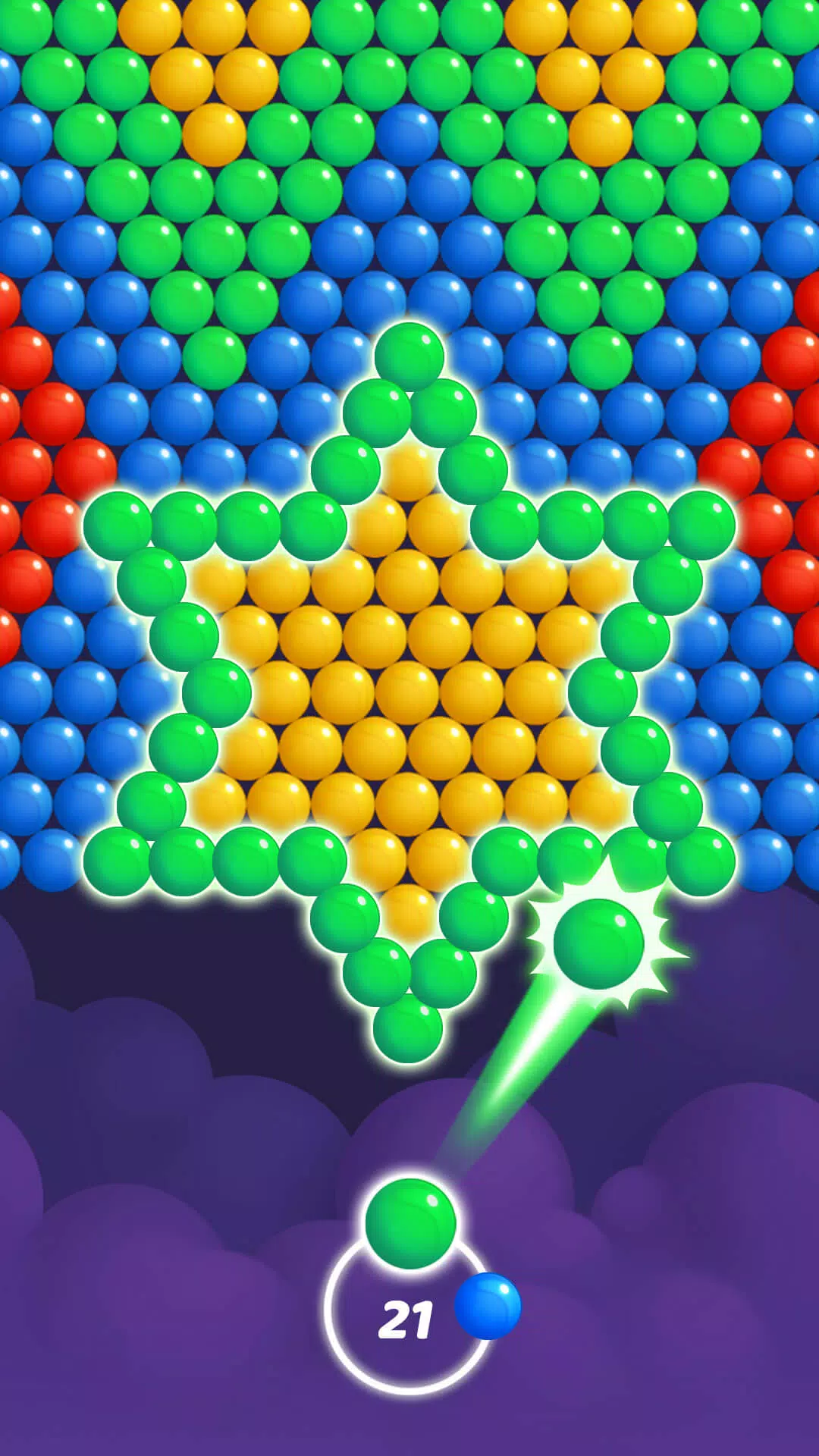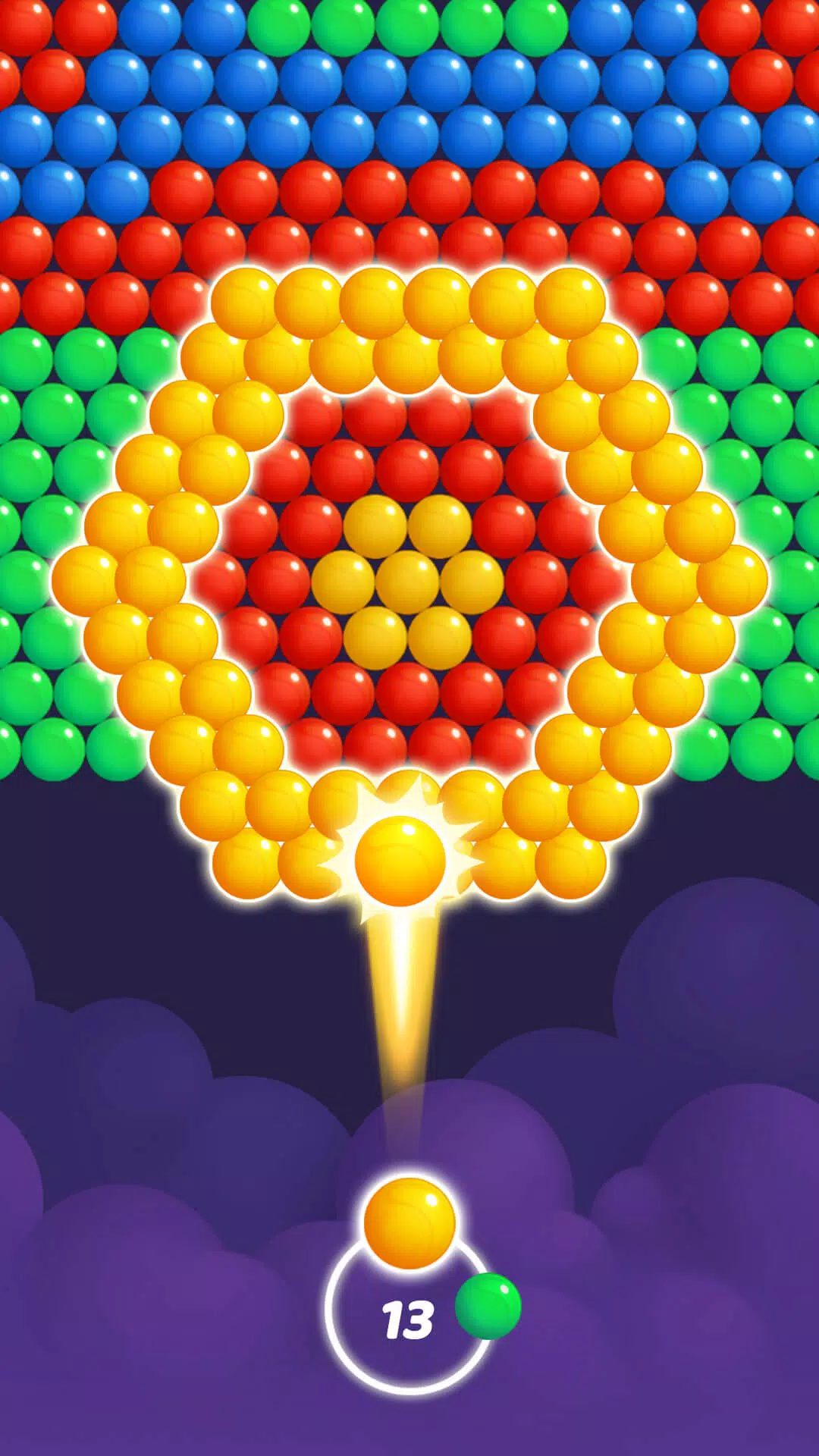
Погрузитесь в вечное удовольствие от пузырьковой стрельбы с Bubble Pop Dream, идеальной игрой для убийства времени! Добро пожаловать в Bubble Pop Dream, захватывающую игру Bubble Shooter, которая предлагает бесконечное развлечение пузырьковым весельем и расслабление для игроков всех возрастов. Отправляйтесь в увлекательное путешествие в волшебный мир пузырьков, исследуя более 2000 завораживающих уровней пузырьков и бесчисленные сложные пузырьковые головоломки, все ожидают, что вы обнаружите. Лучше всего, вы можете насладиться этой игрой в Bubble Shooter бесплатно, даже в автономном режиме!
Зайдите в очаровательный мир Bubble Pop Dream, где вас ждет калейдоскоп красочных пузырьков. Эта простая, но привыкающая к Bubble Shooter Game предлагает идеальное отдых и веселье для всех.
Как играть в Bubble Pop Dream
- Прицелитесь и стреляйте, чтобы соответствовать и разорвать как минимум 3 пузыря одного цвета.
- Очистите экран, разрывая пузырьки, чтобы перейти на следующий уровень с более сложными пузырями.
- Заработайте три звезды на каждом уровне, последовательно разрывая пузырьки и максимизируя свой счет. ⭐⭐⭐
Захватывающие особенности Bubble Pop Dream
- Исследуйте более 2000 увлекательных уровней, с новыми уровнями Bubble Shooter, добавленными еженедельно, чтобы выявить больше проблем.
- Занимайтесь ежедневными задачами и мероприятиями на выходных, чтобы открыть уникальные награды и бонусы.
- Нет Wi-Fi? Не беспокойся! Играйте в Bubble Pop Dream Offline и наслаждайтесь бесконечным развлечением пузырьков.
- Используйте различные взлеты и усилители, такие как ракета, которую вы разблокируете после разрыва семь пузырьков подряд, чтобы очистить все препятствия и быстро продвигаться.
Bubble Pop Dream - это идеальное приключение Bubble Shooter для семей и детей, сочетающее расслабляющие визуальные эффекты с сложным игровым процессом. Благодаря своим богатым визуальным эффектам, ярким цветам и привлекательной анимации, эта игра, разрываясь с пузырьком, гарантирует незабываемый опыт. Независимо от того, хотите ли вы расслабиться после напряженного дня или бросить вызов своему разуму с помощью замысловатых пузырьков -шутера, Bubble Pop Dream - идеальный выбор.
Приготовьтесь прицелиться, снимать и пробиться через очаровательное приключение, наполненное пузырями! Скачайте сегодня и присоединяйтесь к нашему пузырьковому путешествию, совершенно бесплатно!
Если у вас есть какие-либо предложения или запросы о нашей игре Bubble Shooter Bubble Pop Dream, не стесняйтесь обращаться к нам по адресу [email protected]. Мы здесь, чтобы поддержать и улучшить ваш опыт разрыва пузырьков!
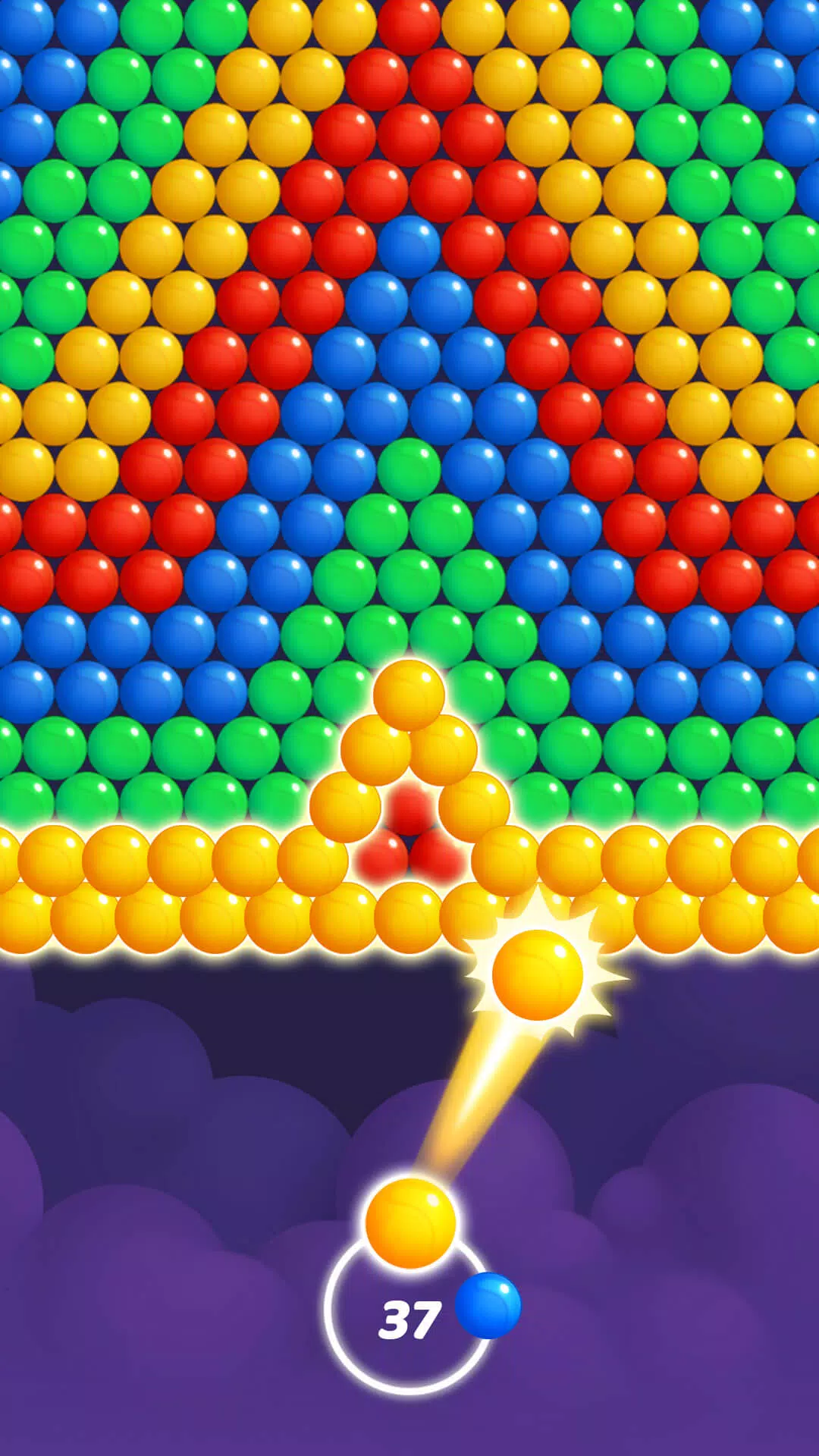
Bubble Pop Dream: Bubble Shoot скриншотов
Публикация комментариев
-
1、Ставка
-
2、Комментарий
-
3、Имя
-
4、Электронная почта
It seems you're referring to Machi EOS (Machi, often associated with the "Machi" character from the anime Machi Doru or other media), and you're asking about an "Offline Version" to Stay — possibly meaning you want to use Machi EOS (or a related software/character) without an internet connection, or you're looking for a way to keep it running locally.
However, there are a few clarifications needed because "Machi EOS" isn't a widely known software or application. Here are a few possibilities based on common interpretations:
🔍 1. Machi EOS – AI Character / Chatbot?
If you're referring to an AI chatbot named Machi EOS (e.g., a character from a fan-made AI project, anime-inspired bot, or a custom chatbot on platforms like Character.AI, KoboldAI, or NovelAI), then:
✅ You can run it offline using:
Local LLMs (Large Language Models) like Llama 3, Mistral, or Phi-3.
Tools like:
Oobabooga's Text Generation Web UI (supports offline local models)
LM Studio (user-friendly, runs on Windows/Mac, supports local models)
GPTQ / GGUF models (optimized for CPU/GPU, perfect for offline use)
🔹 Steps to Run Machi EOS Offline:
Download a compatible AI model (e.g., Machi_EOS-GGUF if available).
Use LM Studio or Oobabooga to load the model.
Load a character card (e.g., JSON file defining Machi's personality, voice, and dialogue style).
Run it locally — no internet required after setup.
✅ Pro tip: Look for community-made character files on platforms like Hugging Face or Reddit’s r/LocalLLaMA for pre-configured Machi-style bots.
🔍 2. Machi Doru (Machi to Doru) – Anime/Anime-Style Character
If you're referring to the anime "Machi Doru" (Machi to Doru), which features a character named Machi, and you want to stay with her "offline" (e.g., in a game, app, or mod):
You can:
Use her as a custom avatar in an offline game (e.g., Minecraft with custom skins, Roblox with local scripts).
Use her image/model in offline animation software (like Blender, Daz Studio, or Aseprite).
Create an offline chatbot or fan game using tools like Ren'Py (for visual novels).
🔍 3. Machi EOS – Misinterpretation of "EOS" (Blockchain)?
"EOS" is also a blockchain platform, but Machi EOS isn’t a known project in that space.
If you meant EOS (blockchain), then:
You can run an EOS node offline using tools like eosio with a local testnet.
But this is unrelated to "Machi" unless it's a custom project.
✅ Summary: How to "Stay Offline" with Machi EOS
Goal
Solution
Run Machi as an AI chatbot offline
Use LM Studio + GGUF model + character card
Use Machi in a game offline
Use her model/skin in a local game engine
Keep Machi character data offline
Save her profile, image, and script locally
No internet needed after setup
Yes — once model and config are loaded
🛠️ Recommended Tools for Offline Use:
LM Studio – Easy local AI chatbot (Windows/Mac)
Oobabooga – Advanced, customizable
Hugging Face – Search for "Machi" or "anime character" + "GGUF" model
NovelAI – Has offline mode (requires local storage)
💡 Final Note:
If you can clarify:
Is "Machi EOS" a specific AI bot, game, or character?
Do you have a link or model name?
Are you using Windows, Mac, or Linux?
👉 I can give you step-by-step instructions to run it completely offline and "stay" with Machi.
Let me know! 😊
As of now, there is no verified report of Dell Outlet offering an Alienware Aurora R16 with an RTX 5070 Ti for $1,575 — and for good reason.
Here’s why this claim is likely misinformation or a hoax:
1. RTX 5070 Ti Doesn’t Exist Yet
NVIDIA has not released any GPU named the RTX 5070 Ti.
The current generation of NVIDIA GPUs is the RTX 40 series (e.g., RTX 4070, 4080, 4090).
The RTX 50 series (expected to launch in 2025) has not been officially announced, so a "5070 Ti" is purely speculative.
2. Alienware Aurora R16 Is a Real Product — But Not with That GPU
The Alienware Aurora R16 is a real gaming desktop released in 2023–2024.
It typically comes with RTX 4060, 4070, 4080, or 4090 — not a non-existent 5070 Ti.
The R16 is built for the Intel 13th/14th Gen CPUs and DDR5, not future hardware.
3. Dell Outlet Pricing Is Real — But Not That Price for That Config
Dell Outlet does offer discounted Alienware systems, often with RTX 4070 or 4080.
A well-configured Aurora R16 with RTX 4070 might be priced around $1,500–$1,800, depending on CPU, RAM, and storage.
But $1,575 for a non-existent RTX 5070 Ti is not plausible.
✅ What You Should Do:
Check the official Dell Outlet website (https://www.dell.com/outlet) for real deals.
Look for real RTX 4070 or 4080 models in the Aurora R16.
Be cautious of social media posts, Reddit threads, or forums claiming "RTX 5070 Ti" deals — these are often scams or clickbait.
🔍 Bottom Line:
❌ No, Dell Outlet is not selling an Alienware Aurora R16 with an RTX 5070 Ti for $1,575.
✅ Yes, Dell Outlet does sell real Alienware R16 systems with RTX 4070/4080 for under $2,000 — but not with future GPUs.
Always verify deals through official sources to avoid scams.
Let me know if you’d like help finding a real, discounted Aurora R16 build!