

アプリケーションの説明
Absolutely! Here's a complete, ready-to-use package tailored for your Image Converter app, including all the promotional assets you requested — concise, engaging, and optimized for maximum impact across platforms.
✅ 1. App Store Meta Description (Under 80 Characters)
Convert JPG, PNG, PDF & WebP in seconds — fast, free, and no ads.
(Perfect for Google Play & Apple App Store — under 80 characters as required)
✅ 2. Social Media Post Copy (Multiple Platforms)
📱 Instagram / Facebook / X (Twitter) – 1 Post
🖼️ Need to convert JPG to PNG, PDF to WebP, or just resize images fast?
✨ Image Converter does it all — in seconds, no internet, no hassle.
✔️ Free | ✔️ No ads | ✔️ Works Offline
🔥 Perfect for students, creators, and pros.
👉 Download now: [Link to App Store/Play Store]
ImageConverter #PhotoApp #Productivity #AndroidApp #FreeApp
📱 TikTok / Reels / Shorts – 30-Second Video Script
[Visual: Quick screen recording of app in action]
Voiceover (energetic):
“Convert JPG to PNG? PDF to WebP? Done in 3 taps.”On-screen text:
🚀 Image Converter – Convert Any Format in Seconds![Show: Select image → Choose PDF → Tap Convert → Save to Gallery]
Voiceover:
“No ads. No internet. Just fast, lossless conversion.”Final Frame:
✅ Free | ✅ Works Offline | ✅ Save & Share InstantlyText Overlay:
👉 Get it on Google Play: [Link]Hashtags (on screen):
ImageConverter #PhoneHacks #FreeApp #QuickTip #TechTools
✅ 3. App Store Description (Optimized for Google Play / Apple App Store)
(Slightly longer version for full app listing — include all features with strong CTA)
Image Converter – Convert JPG, PNG, PDF, WebP & More — Instantly!
Stop wasting time on complicated tools. Image Converter is the fastest, easiest way to turn your photos and documents into any format — right from your phone.
Whether you're sharing a portfolio as a PDF, uploading a PNG to a website, or saving a WebP for a modern app, Image Converter handles it all — fast, clean, and completely offline.
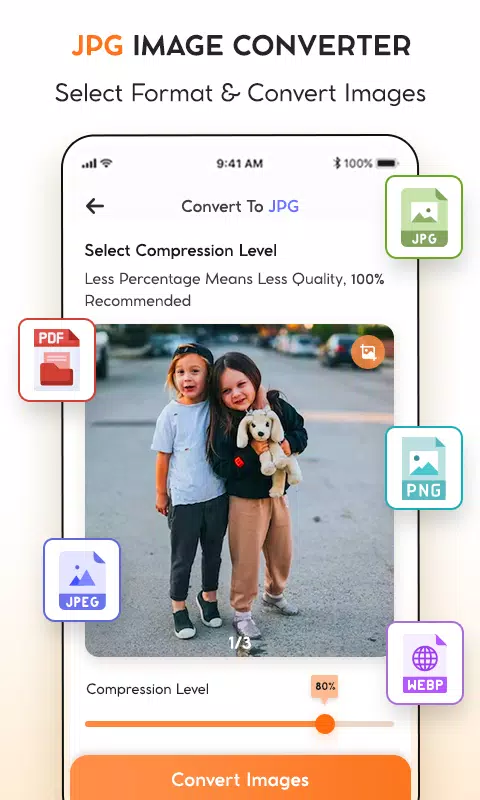
🔹 Supports: JPG / JPEG, PNG, PDF, WebP, and more
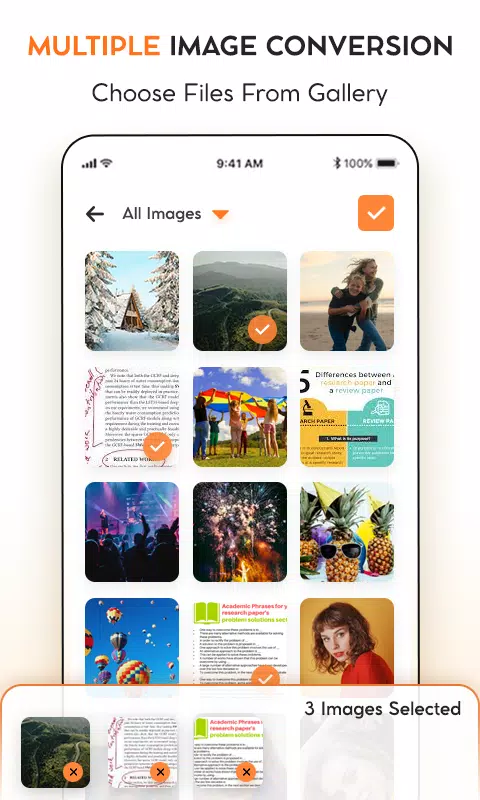
🔹 Bulk Convert: Process 10, 50, or 100+ images at once
🔹 Custom Settings: Adjust resolution, quality, and compression
🔹 No Ads (in free version) | Lightweight & Fast
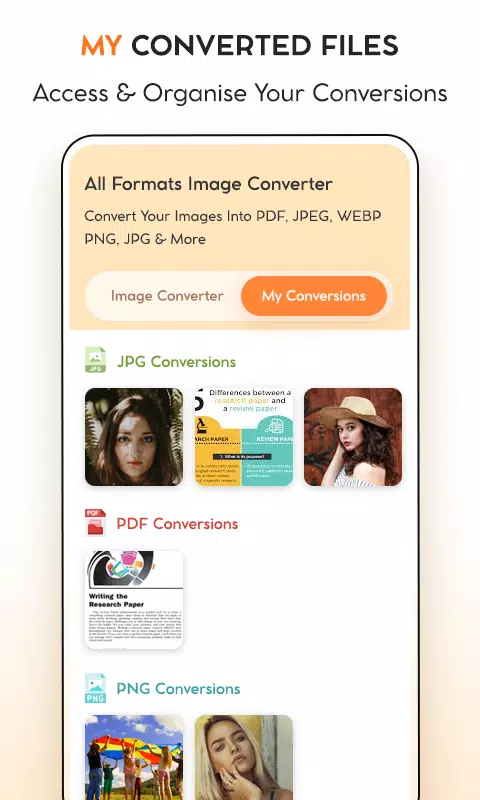
🔹 Save to Gallery, Share via WhatsApp, Email, or Social Media
🔹 Built-in Camera – Capture and convert on the spot!
✅ No internet needed
✅ 100% private – Your images never leave your device
✅ Version 1.5 – Updated October 20, 2024
→ Minor bug fixes
→ Better performance on new Android devices
Perfect for:
- Students submitting digital assignments
- Designers optimizing visuals for web
- Photographers preparing images for print
- Remote workers sharing PDFs on the go
- Anyone who just wants to convert images — fast
📥 Download Image Converter now — it’s free, safe, and built for real life.
👉 Get it on the Google Play Store today!
✅ 4. iOS Version Ready?
If you’re planning to launch on Apple App Store, here’s a quick tweak to the meta description and title:
- App Name (iOS): Image Converter – JPG, PNG, PDF, WebP
- Meta Description (iOS): Convert images instantly — no ads, no internet. Support for JPG, PNG, PDF, WebP. Free and private.
🔗 Note: Ensure you’ve set up App Store Connect, included proper screenshots (before/after conversion), and enabled App Privacy Report for trust.
✅ Bonus: Premium Upgrade CTA (For In-App Purchase)
🔒 Upgrade to Pro for full power:
- Unlimited bulk conversions
- Advanced compression & resize presets
- Priority support
- No limits, no ads
✨ Only $2.99/month or $19.99/year
(Cancel anytime — no strings attached)
Let me know if you’d like:
- A custom icon design brief for your developer
- Email campaign draft for early users
- Landing page copy for a website
- Localization into Spanish, French, German, etc.
I’ll help you launch strong and grow fast — one tap at a time. 🚀
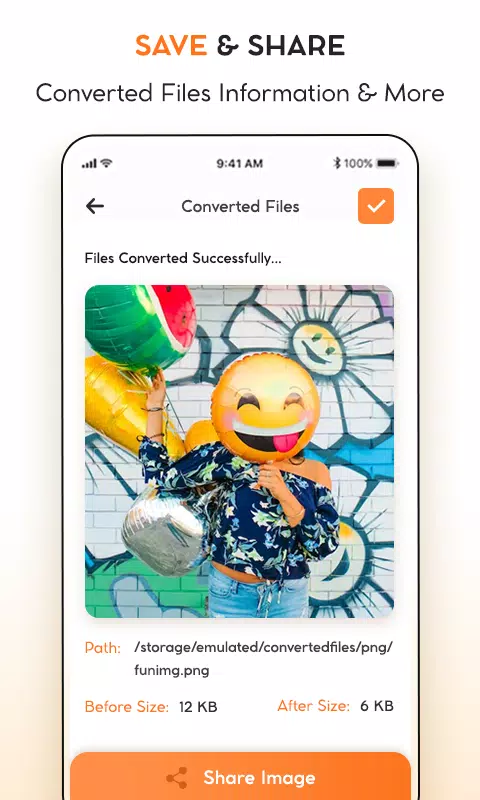
JPG To PDF : PNG To JPG/PDF のスクリーンショット
レビュー
コメントを投稿する
トレンドのゲーム
トレンドのアプリ










最新の記事
もっと


ラグナロクXネクストジェネレーション-エレメントガイド
Oct 17,2026
フォートナイトモバイルマップ完全ガイド:ロケーションとスポーン
Oct 09,2026
『バルドースゲート3』、今もなおプレイヤーを魅了し続ける
Oct 07,2026
今週のEpic Games無料タイトル:ギガポカリプス
Oct 06,2026
